Homelab Upgrade Pt.5 - GitOps Tooling Deployment
2026-03-29
As a certified DevNetSecAIOps™ engineer, I'd be lost without some damn good tooling.
What the heck even is GitOps?
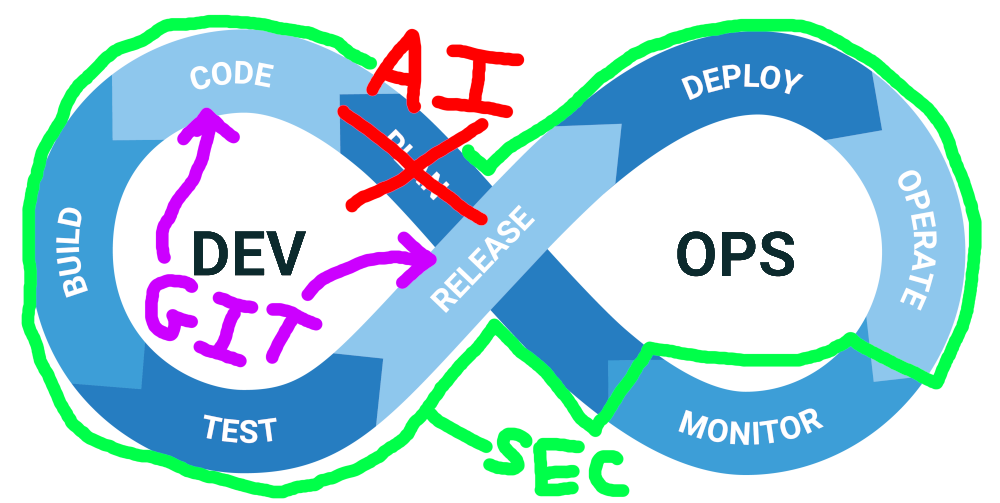
For many people in the tech industry the question of what does *Ops actually mean can be quite difficult - corporate wants people to do thing X, management wants people to do thing Y, and the engineers themselves thought they were meant to be doing Z. For some people who have been in the industry a bit longer, it might even be a bit of a painful term given that they were once hired as a simple "X engineer"... that then slowly morphed into DevOps... that now is DevSecOps or even DevSecAIOps... and now for some reason their job role is 5x the scope it used to be with no clear definition.
In my mind, GitOps is just doing DevOps within Git tooling and CI/CD workflows (i.e. proper releases, proper PR approval workflows, automated pipelines), with DevOps being a fairly vague marriage between engineers that understand both application and infrastructure, and use Infrastructure as Code to manage everything. I'll likely be doing a blog post in the future discussing my thoughts on the can of worms that is *Ops at some point, but I think that covers what I feel well enough to make this post make sense, and I'd encourage others to share their thoughts and opinions too :)
Deploying the tooling
As described in my previous blog post, I now have a Kubernetes cluster ready to go in my homelab, so everything I deploy next will be on top of that. To keep things nicely managed, I'll be deploying all of the tooling as helm releases managed by Terraform.
GitLab
The first tool I needed to deploy was GitLab (y'know... for the Git in GitOps), which after digging around its documentation a bit certainly has an interesting relationship with its Helm deployment. The official stance is seemingly that they don't recommend deploying it using Helm - preferring a simple Linux deployment instead - but also that it's the best way to deploy the software for high availability and scalability.
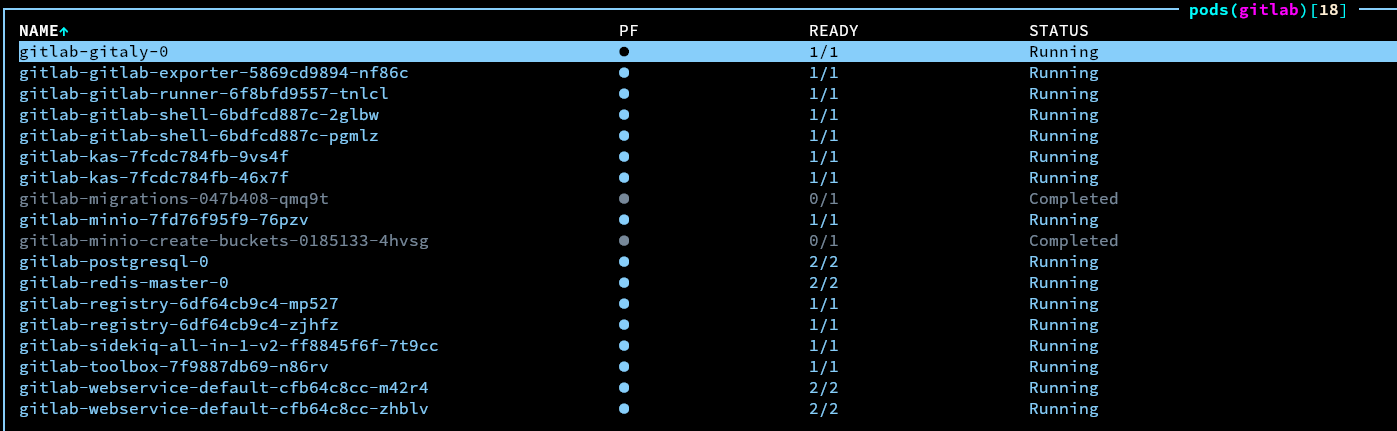
I decided to continue with the Helm method anyway, because I've heard anecdotally that a lot of big players are using it in production... so it should be fine for my homelab. GitLab's chart needed to have a lot of variables changed to help it integrate better with my existing ingress controller and cert-manager, and finding which flags of similar names were the true canonical ones that needed to be changed was a small challenge, but after working everything out the chart applied nicely and all of the pods were happy.

Well... that was after it took 40 minutes for the initial minio bucket and database migrations jobs to run... on a fresh installation? Anyway, it runs eventually, I just needed to have some patience.
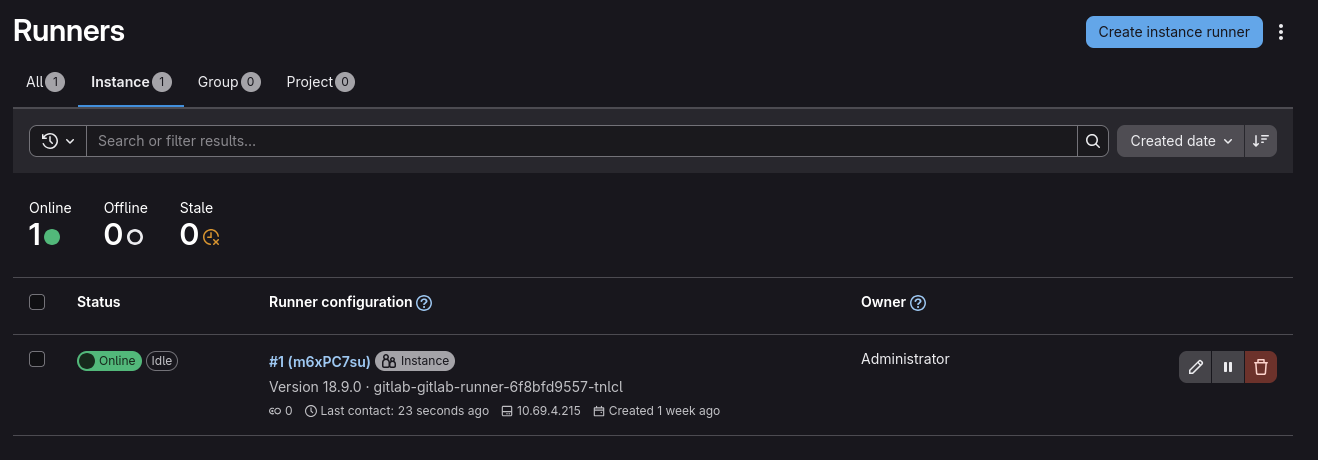
I could then go to the web interface and log into the root account using the automatically generated password (which is stored in a kubernetes secret), and everything looked happy - the default runner even started properly.
ArgoCD
The next tool I wanted to deploy was ArgoCD. ArgoCD is, unsurprisingly, a continuous deployment tool. It is built specifically for deploying applications from controlled sources such as Git repositories and Helm charts, into kubernetes clusters, and it provides a lot of very useful capabilities such as staged update/configuration rollouts with blue/green or canary methods, as well as automated health checking of various application components.

Getting ArgoCD deployed was as simple as adding another Helm chart to my terraform, and after applying the Terraform everything looked happy. I did need to tweak some of the chart values in order to make sure ArgoCD knew to use the Cilium ingress, as well as my custom domain and the cluster TLS issuer, however it was so much easier to figure out what needed doing compared to the huuuuuge GitLab chart.
Similar to GitLab, the default credentials were in a kubernetes secret, and heading to the web interface showed everything as happy.
Creating a simple test app
To test whether all the tooling was working as expected and to give a basic example of what GitLab+ArgoCD can do, I thought it'd be a good idea to get together a basic deployment, along with some CI in GitLab. A personal favourite of mine when working with kubernetes is a "fruits test"... I'm not really sure where or who I got the idea from, but it literally just involves using a hashicorp/http-echo container to respond with the name of a fruit. I like it because it's good enough to test that all of the networking through components like ingress are working happily.
kind: Pod
apiVersion: v1
metadata:
  name: banana-app
  labels:
    app: banana
spec:
  containers:
    - name: banana-app
      image: hashicorp/http-echo
      args:
        - "-text=banana"

---

kind: Service
apiVersion: v1
metadata:
  name: banana-service
spec:
  selector:
    app: banana
  ports:
    - port: 5678

---

apiVersion: networking.k8s.io/v1
kind: Ingress
metadata:
  name: fruits-ingress
  annotations:
    cert-manager.io/cluster-issuer: letsencrypt-prod
spec:
  ingressClassName: cilium
  rules:
  - host: fruits.k8s.rhysperry.com
    http:
      paths:
        - path: /banana
          pathType: Prefix
          backend:
            service:
              name: banana-service
              port:
                number: 5678
  tls:
    - hosts:
      - fruits.k8s.rhysperry.com
      secretName: fruits-tls
I'd recommend splashing out and deploying two or three fruits (all behind the same ingress), but to save space on my blog, and to leave an exercise for the smartest of readers, the example above only has one. I put this file inside of a GitLab repository under k8s/app.yaml.
stages:
  - validate

validate-manifests:
  stage: validate
  image:
    name: ghcr.io/yannh/kubeconform:latest-alpine
    entrypoint: [""]
  script:
    - /kubeconform -summary -output json k8s/app.yaml
To then test if CI was working, I created a GitLab CI definition to validate the schema of app.yaml. This uses a handy tool called kubeconform (because not all yaml is good enough for kubernetes :D).
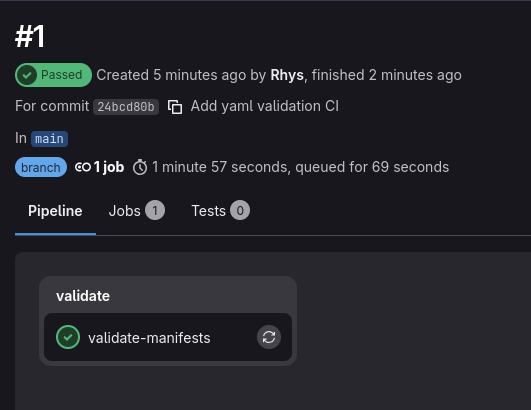
Once the GitLab CI definition was pushed, I could see that it had run without errors from the GitLab web interface, so that at least confirmed that GitLab and it's runner were working as expected. Nice to see that the app YAML also passed validation successfully.
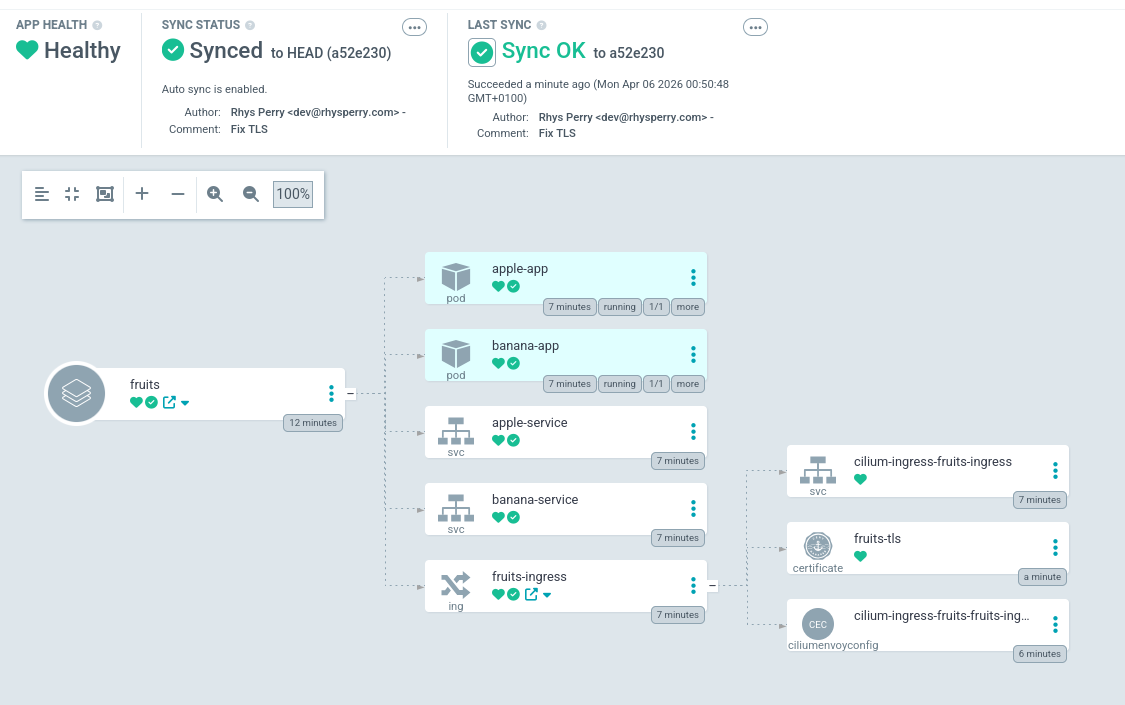
I could then add the repo and application in the ArgoCD web interface by pointing it at my GitLab repo and the k8s path to test deploying it to the cluster (realistically this would be done using IaC and an Argo manifest, but this is just a test). It took a few seconds to sync, however eventually all of the resources created successfully and were deployed to the cluster. I could finally curl some fresh fruits from the ingress :)
I also tested making a chance to the app definition in GitLab, and sure enough ArgoCD picked up on the change and deployed it to the cluster. It should be noted though that it wasn't a graceful deployment though, however ArgoCD rollouts will be a later blog post.
All of the source code for deploying the tooling can be found in step 5 of my helios-kubernetes IaC repo.